
how to fix car radio aux port not working usually comes down to one of three things: the cable/adapter is bad, the phone isn’t really outputting audio through the headphone jack or dongle, or the car stereo’s AUX input circuit isn’t seeing a clean signal.
If you’re stuck with silence, crackling, or audio that only plays when you wiggle the plug, don’t jump straight to replacing the head unit, most AUX problems are boring and fixable with a few quick checks.
This guide walks you through a real-world troubleshooting order, the kind that saves time, avoids buying random parts, and helps you decide when it’s an easy DIY versus when a shop visit makes more sense.
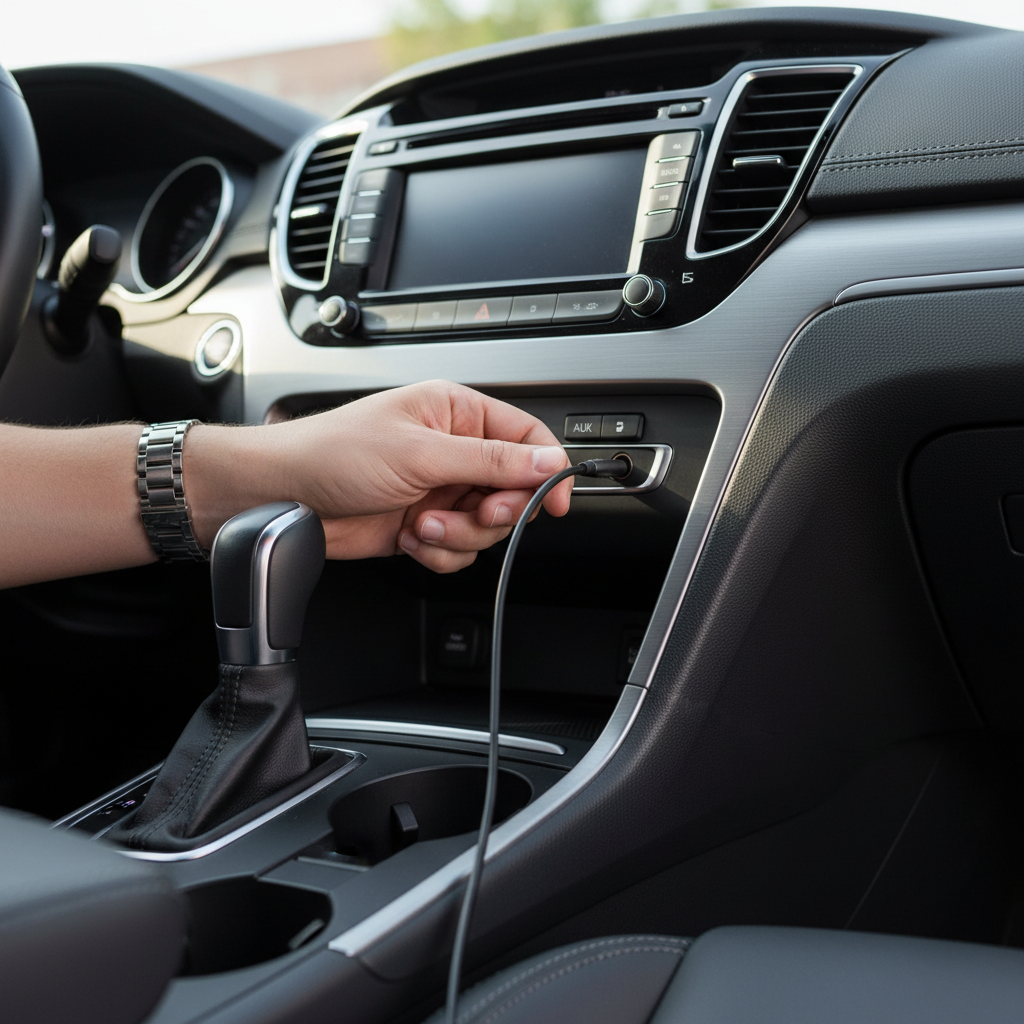
Quick diagnosis: what “AUX not working” actually looks like
People describe “AUX not working” in a few different ways, and the fix depends on which one you have.
- No sound at all: often input/source selection, phone output settings, or a dead cable.
- Sound only on one side: partially inserted plug, worn jack, or cable with a broken channel.
- Crackling or popping: dirty jack, loose port, cheap adapter, or electrical interference.
- Very low volume: phone volume limits, wrong output device, or “line level vs headphone level” mismatch on some devices.
- Works if you hold the plug: worn AUX port, loose solder joints, or damaged jack.
Key takeaway: treat this like a signal chain problem, phone or player → cable/dongle → car AUX jack → head unit input stage. One weak link breaks the whole thing.
Start here: confirm the basics that trip people up
Before you tear anything apart, make sure the head unit is actually listening to AUX, and the phone is actually sending audio out through the right path.
On the car stereo
- Select the correct source: AUX, Line In, or External Input (naming varies by brand).
- Turn volume up on both the stereo and the phone, then test again.
- If your stereo has an “AUX level” or “input gain” setting, set it to a middle value to start.
- Try another audio app (a downloaded song or podcast), not just one streaming app that might be paused or muted.
On the phone (common gotchas)
- Disconnect Bluetooth so the phone doesn’t keep routing audio to a different device.
- If you use a USB-C or Lightning-to-3.5mm adapter, reseat it and confirm the adapter supports audio (some cheap ones are charge-only).
- Check for a volume limiter or “Headphone Safety” limit that makes AUX seem dead.
According to Apple Support, iPhone audio may route to the last connected device and you may need to choose the correct output in Control Center or disconnect other audio routes.
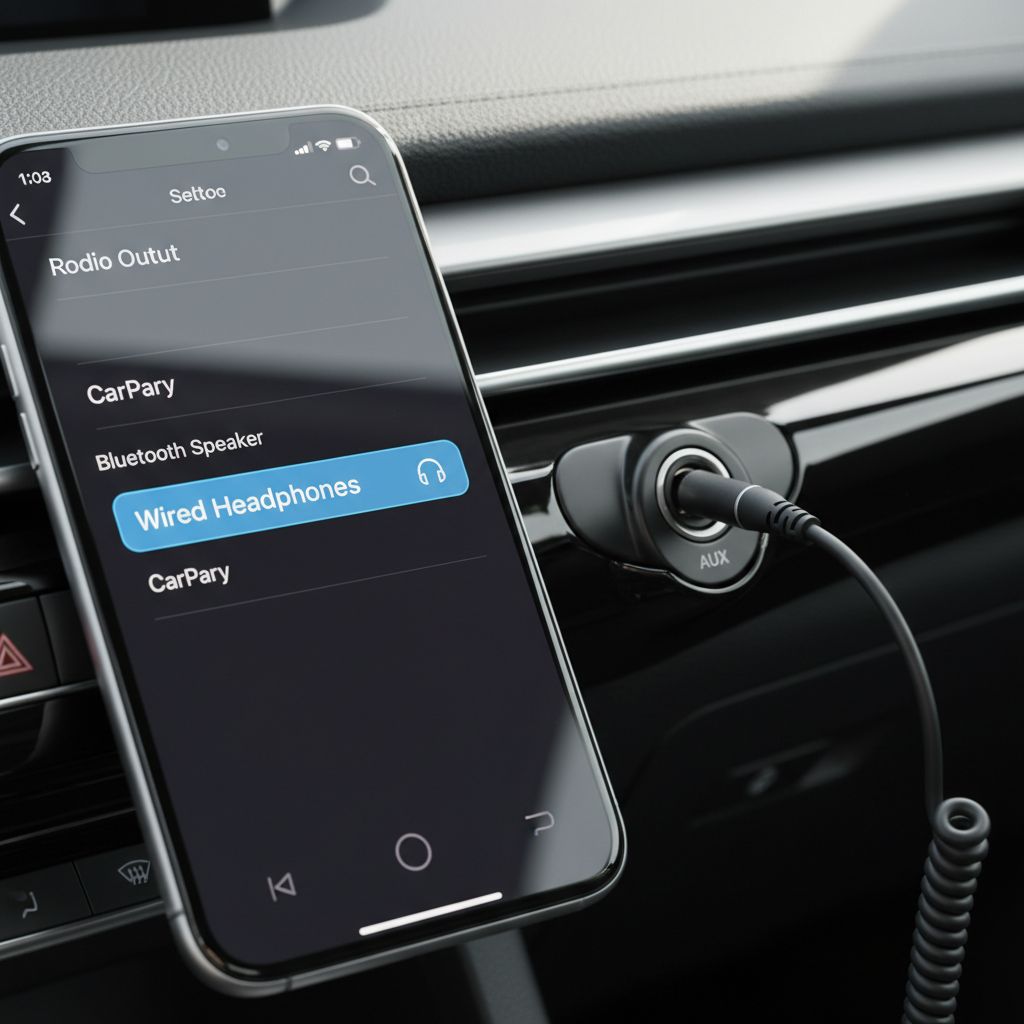
Self-check checklist: pinpoint the failing link in 10 minutes
If you want the fastest path to a fix, isolate the problem by swapping one thing at a time. This is where most “how to fix car radio aux port not working” searches should start.
- Try a different cable (preferably a known-good 3.5mm TRS cable, not TRRS).
- Try a different phone or player (old phone, tablet, or an MP3 player works).
- Try your phone + cable on a different speaker (home speaker with AUX, computer line-in, etc.).
- Try the car stereo with another input (Bluetooth/USB/Radio) to confirm the head unit and speakers are fine.
- Wiggle test: gently move the plug at the AUX port; if sound cuts in/out, it’s often mechanical wear or debris.
Fast results table
| What you test | What happens | Most likely cause | What to do next |
|---|---|---|---|
| New cable, same phone, still no sound | No change | Phone output routing or car AUX port/head unit | Disable Bluetooth, check output device, then test another phone |
| Different phone works in your car | Audio plays normally | Your phone or adapter issue | Replace dongle, update OS, check headphone safety limits |
| Your phone works on a home AUX speaker | Audio plays at home | Car AUX jack or head unit input stage | Clean jack, inspect port looseness, consider repair |
| Sound only when plug is held | Intermittent | Worn jack, loose connection | Clean first, then inspect for physical damage, repair likely |
| Crackling/hum when charging phone | Noise appears | Ground loop/interference | Try not charging, use noise isolator, improve cable routing |
Fixes that work most of the time (in a sensible order)
Once you know where the weak link sits, use the matching fix. Don’t skip straight to the “hard” stuff, because the early steps solve a lot of cases.
1) Replace the AUX cable with the right type
Use a standard 3.5mm TRS cable (two black rings on the plug). A TRRS cable (three rings, used for headsets) can act weird with some head units, sometimes it works, sometimes it gives you one channel or noisy audio.
- Pick a shorter cable if possible, long runs pick up more noise.
- Look for strain relief near the plug, that’s where cables fail.
2) Clean the AUX port carefully
Pocket lint and oxidation cause poor contact. If you’ve got intermittent audio, this is a high-probability fix.
- Turn the car off.
- Use compressed air in short bursts into the AUX jack.
- If needed, lightly clean the plug with isopropyl alcohol on a cloth, let it dry, then insert/remove the plug a few times to “wipe” the contacts.
Safety note: avoid soaking the port with liquid. If you suspect corrosion from a spill, a professional inspection is safer.
3) Fix audio routing on iPhone/Android (the silent culprit)
If your phone keeps sending sound to Bluetooth earbuds, a smartwatch, or the car’s hands-free profile instead of wired audio, AUX will seem broken.
- Forget or disconnect active Bluetooth devices, then retest.
- Reboot the phone, it sounds basic, but it often resets stuck routing.
- Try another adapter/dongle, especially with iPhones and USB-C phones where adapter quality varies.
According to Google Support, Android audio output can route based on connected devices and app behavior, and disconnecting other outputs is a standard troubleshooting step.

4) Solve buzzing and whining: ground loop and power noise
If AUX works but sounds bad, and the noise changes with engine RPM or when the phone is charging, you’re probably hearing interference.
- Test with the phone not charging. If noise disappears, you’ve found the trigger.
- Try a different car charger (some are electrically noisy).
- Use a ground loop noise isolator on the AUX line, these often reduce alternator whine.
- Route the AUX cable away from power cables when possible.
5) If the AUX jack is physically loose, plan for repair
When the port wiggles or feels “mushy,” cleaning won’t fix it for long. The jack may be worn out or detached from the circuit board inside the head unit.
- Aftermarket head units: many can be repaired by replacing the AUX jack or re-soldering joints, a car audio shop can usually confirm quickly.
- Factory stereos: sometimes the AUX jack lives in a separate console module with a small harness, replacing that module can be simpler than opening the radio.
Common mistakes that waste time (and money)
- Assuming the head unit is dead because AUX is silent, when Bluetooth still plays fine. AUX is its own input path, it can fail independently.
- Buying random adapters without checking if your phone needs a DAC-enabled dongle (many USB-C phones do).
- Using a headset cable and then chasing a “one speaker” issue that’s really a TRRS mismatch.
- Cleaning aggressively with metal tools. It’s easy to bend contacts inside the jack.
- Ignoring port looseness and repeatedly wiggling the plug, which can worsen the damage.
When it’s time to get professional help
If you’ve swapped cables, tried another device, confirmed routing, and cleaned the port, and the problem still points to the car side, a shop diagnosis starts to make sense.
- Intermittent audio with a loose jack: likely mechanical failure, often needs replacement or solder work.
- No AUX detection on a factory system: could be a failed console AUX module, wiring issue, or head unit input failure.
- Electrical noise that won’t go away: a technician can check grounding and power filtering, especially if aftermarket amps are involved.
If you’re removing trim panels or working near airbags, it’s reasonable to pause and consult a qualified installer, vehicle interiors vary and the risk isn’t worth it.
Practical “do this next” plan (a tight sequence)
If you just want a clean checklist you can follow tonight, use this order and stop when you get audio back.
- Step 1: Set stereo to AUX, disconnect Bluetooth, raise phone and stereo volume.
- Step 2: Swap to a known-good 3.5mm TRS cable.
- Step 3: Try a different phone or music player.
- Step 4: Clean the AUX port with compressed air, then reseat the plug a few times.
- Step 5: If noise appears only while charging, test a different charger or add a noise isolator.
- Step 6: If the port is loose or intermittent persists, schedule a car audio shop check.
Conclusion
If you approached it as a signal chain and not a mystery, how to fix car radio aux port not working becomes pretty straightforward: prove the phone output, prove the cable, then focus on the jack and head unit only after the easy swaps.
Do the two fastest moves first, swap the cable and test with a second device, then decide whether a simple port clean gets you back in business or the jack has worn out and needs repair.
If you want, keep a spare TRS cable in the glove box and treat adapters as consumables, it’s not glamorous, but it prevents a lot of repeat troubleshooting.
FAQ
Why does my AUX work only when I push the plug in a certain way?
That usually points to poor contact inside the AUX jack or a worn plug. Cleaning can help if debris is the cause, but if the port feels loose, repair or replacement is often the lasting fix.
How do I know if I need a TRS or TRRS AUX cable?
Most car stereos expect a 3.5mm TRS cable for left/right audio. TRRS headset cables sometimes work but can cause one-channel audio or noise on some head units, so TRS is the safer pick for troubleshooting.
My car says AUX is selected, but there’s still no sound, what else should I check?
Check your phone’s audio routing and disconnect Bluetooth, then test another app and another device. If a second device also fails in the car, the issue is more likely the car’s AUX jack, module, or head unit input.
Why is AUX volume so low compared to Bluetooth?
AUX level depends on your phone’s output volume and the head unit’s input gain settings, if available. Some phones also apply volume limits, so raising phone volume and adjusting any “AUX level” setting often helps.
What causes buzzing or whining through the AUX input?
A common cause is electrical interference, especially when the phone is charging. Testing without charging, trying a different charger, or adding a ground loop isolator usually narrows it down.
Can a bad car battery cause AUX not to work?
In many cases, a weak battery causes general electrical issues, but a totally silent AUX input is more often cable, routing, or jack failure. If the head unit resets, dims, or behaves erratically, it’s worth checking the vehicle electrical system.
Is it safe to use contact cleaner in an AUX port?
Some electronics cleaners are safe when used sparingly, but it’s easy to overdo it in a tight port. If you’re not sure, compressed air and cleaning the plug itself is a safer first move, and a shop can handle corrosion concerns.
Key points to remember
- Swap the cable and test a second device before blaming the stereo.
- Disable Bluetooth so your phone doesn’t silently route audio elsewhere.
- Intermittent sound usually means debris or a worn/loose AUX jack.
- Charging noise often points to interference, not a “broken” port.
If you’re trying to fix an AUX input fast and don’t want to guess, a small kit with a known-good TRS cable, a quality phone dongle, and an inexpensive noise isolator can save you repeat headaches, and if the port still cuts out after those basics, a quick car audio shop inspection is usually the most efficient next step.